
fatcat apps
No matter if you want to build that perfect Custom Audience for remarketing purposes, or if you want to properly track conversions, you’ll need to correctly set up your Facebook Pixel Events.
Setting up these events requires writing code, which can be tedious, time-consuming, and expensive. That’s why we’ve built Pixel Cat. Pixel Cat takes the pain out of setting up and managing Facebook Pixel events.
Facebook’s Standard Events (eg. View content, Make a purchase, Lead, …) make it easy to reach people who’ve interacted with your website in a certain way. Standard Events can easily be set up and modified by Pixel Cat.
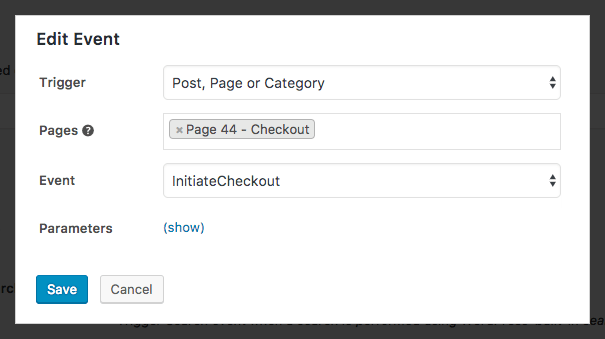
Do you want behavior that doesn’t match the existing 9 Standard Events? Using Pixel Cat, you can track any custom events you can think of, such as “form submission”, “quiz completion”, and more. You can even define custom parameters for your custom events.
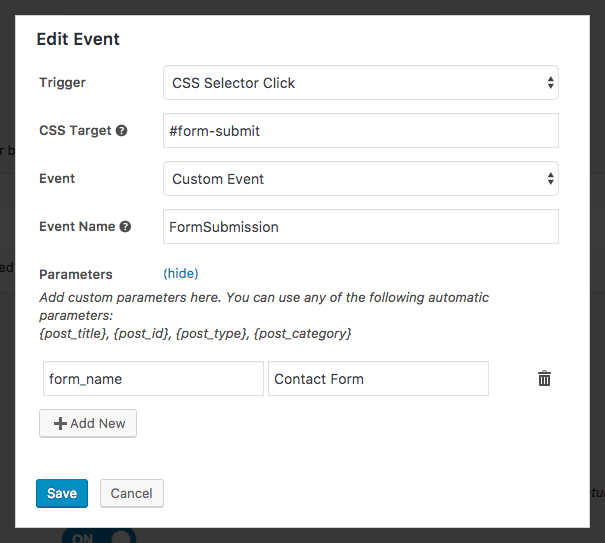
Pixel Cat lets you trigger Standard Events & Custom Events based on the following behavior:
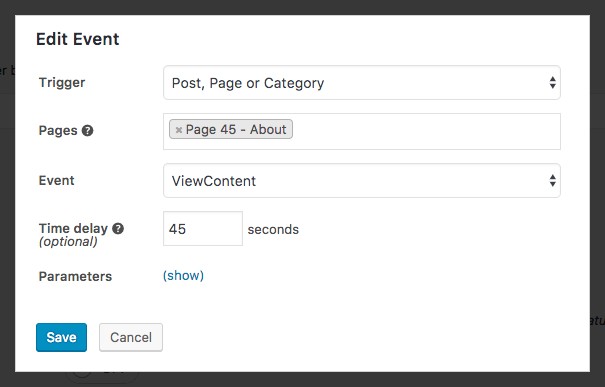
.btn or #cart-button)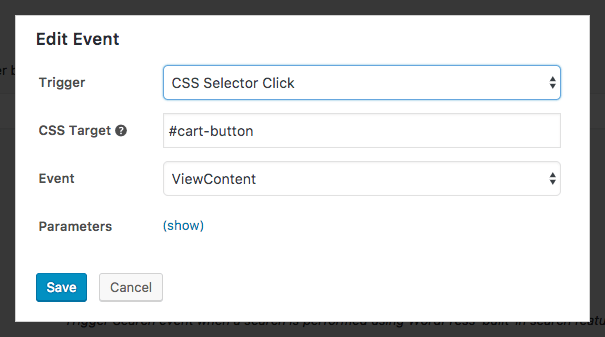
Pixel Cat makes customizing your parameters super simple.
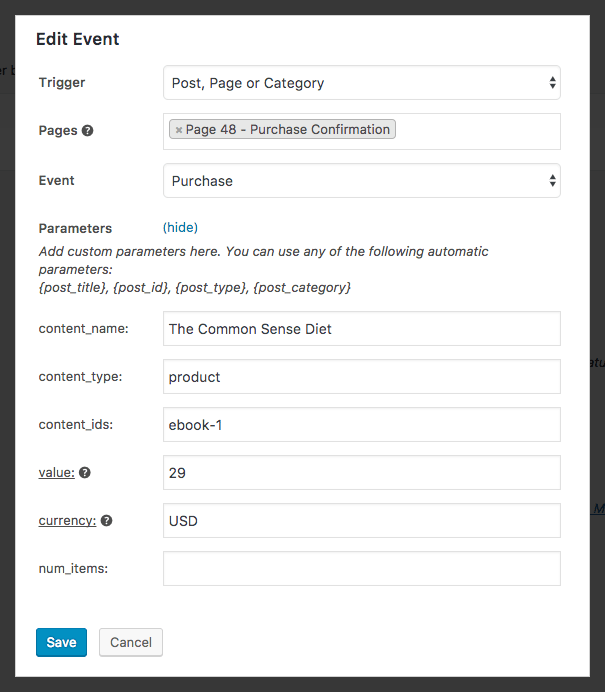
You can even use built-in “automatic parameters” that get populated based on the page that triggers them:
post_title – The title of your post or page, such as “My first blog post”, or “About”post_id – The WordPress id of your post or page, such as “232”post_type – The WordPress post-type, such as “post” or “page”post_category (posts only) – The WordPress category of your post, such as “Product Updates”, “News” or “Marketing Tips”
Cool, huh? As you can see, Pixel Cat makes the tedious process of setting up Facebook Pixel events super easy.